
The screen is visible, but taps do not change settings, acknowledge alarms, or open control menus. A clear diagnosis depends on when the symptom started, what the appliance is doing now, and the exact model configuration.
An unresponsive interface can be caused by lock settings or surface moisture, but it can also signal a failed touch layer, door cable, or interface module. Use the result of each check to decide whether the next step is observation, correction, or service.
Before resetting the appliance, photograph the display and write down what changed: cabinet temperature, sound, water flow, lighting, control response, door behavior, or the time the symptom appears. Include any recent power outage, installation work, filter change, cleaning, large food load, or prolonged door opening.
Find the complete model and serial number. Liebherr uses different controls and component layouts across freestanding, built-in, Monolith, wine, and professional products. A button sequence, expected sound, or component name from another model may not apply to yours.
The order of likelihood changes with the model and the event that preceded the symptom. A problem that began immediately after moving the appliance should be approached differently from one that began after a power event or water-filter change.
After each correction, give the appliance enough time to show a meaningful trend. Temperature-sensitive contents should be protected according to their storage requirements; do not wait for a repair decision while food, wine, medicine, or laboratory material is outside its safe range.
Do not spray cleaner directly onto the control panel or press hard enough to damage the glass. Avoid repeated power cycling, forcing mechanical parts, bypassing safety devices, or using undocumented service-menu commands. Those actions can erase useful history, create a leak or electrical hazard, and make the original fault harder to diagnose.
Arrange professional diagnosis when only part of the panel responds, settings change on their own, the lock cannot be released, or the fault returns after one restart. Stop using the appliance immediately if there is smoke, a burning smell, electrical heat damage, shock, repeated circuit protection trips, or uncontrolled water leakage.
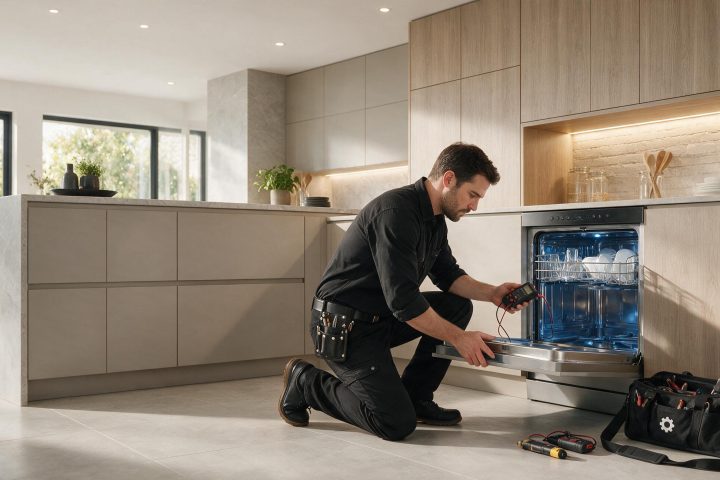
The service sequence normally begins with model identification and symptom reproduction before any component is condemned. That approach prevents an external condition or wiring issue from being mistaken for an expensive component failure. Provide the technician with the full model/serial information, photos of messages, measured temperatures, and the timeline of the symptom.
Monitoring is reasonable only when the appliance returns to normal after a clear external cause is corrected and the result remains stable. A reset that temporarily hides the symptom is not the same as a repair. Repeating alarms, worsening temperature, intermittent controls, leaks, and electrical symptoms deserve diagnosis even if the appliance restarts.
For integrated products, installation and cabinetry are part of the system. Door-panel alignment, ventilation area, water-line routing, and access to service components may need to be checked alongside the appliance itself.
Moisture forms on bottles, glass, walls, shelves, or around the door of a Liebherr wine cabinet. A clear diagnosis depends on when the symptom…
The wine cabinet door springs open, leaves a gasket gap, or no longer closes evenly against the frame. The symptom can have a simple…
An internal or cabinet fan seems to run most of the time, creating more sound or airflow than expected. The useful first step is…
Share a few details and we’ll confirm an appointment. Prefer to talk? Call us and we’ll help right away.
Use the secure scheduler below to request your appointment.